
AI Subtitle Generator
Auto-generate subtitles for any video
Upload a video and StoryMorph transcribes it and burns in accurate, styled captions — no manual typing or syncing.
- Accurate auto-transcription, no manual typing
- Styled, burned-in captions that boost retention
- Works on any uploaded video
- Vertical or wide, ready to repost
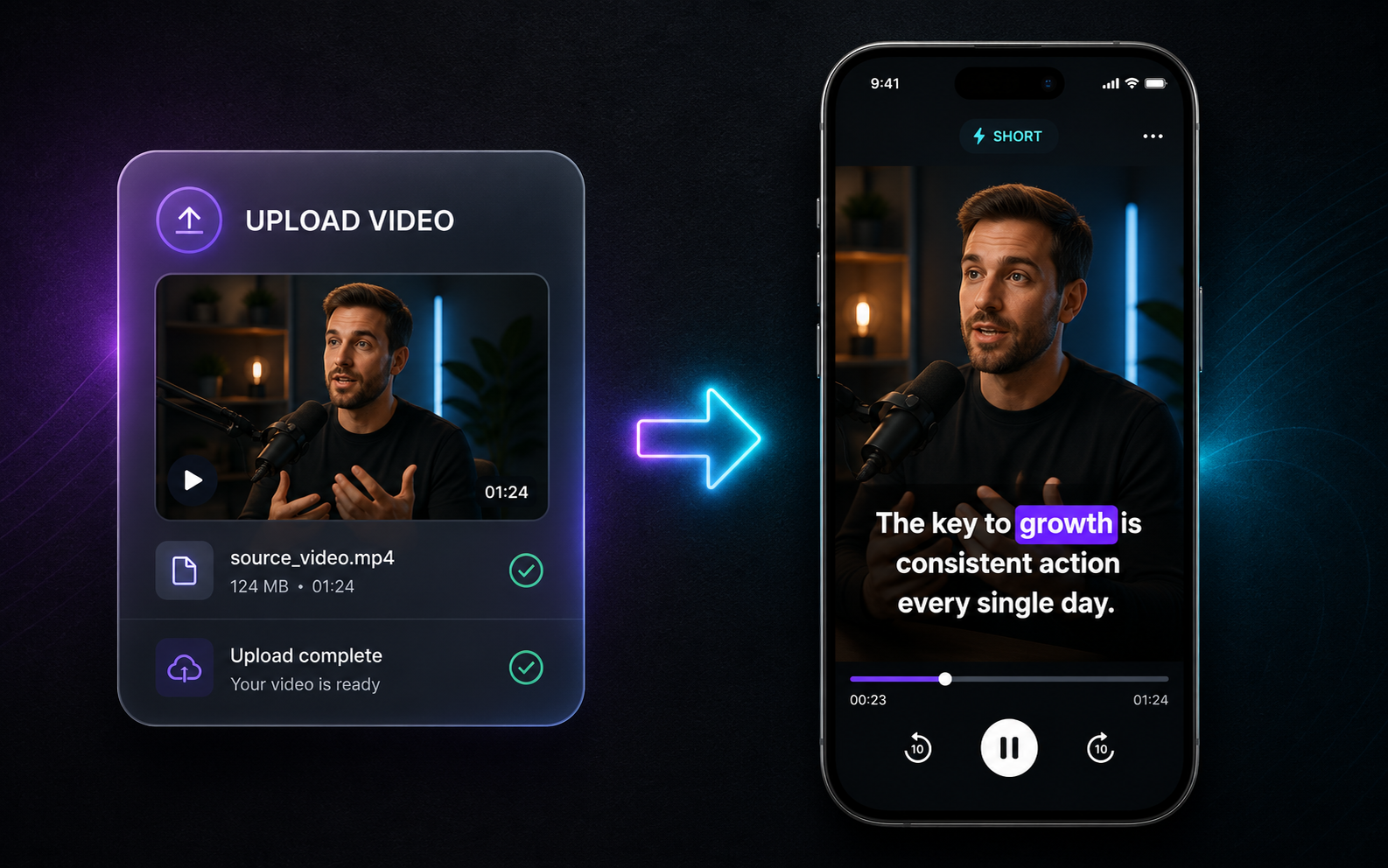
StoryMorph's AI subtitle generator transcribes your video and adds clean, styled, burned-in captions automatically. Boost retention and accessibility on Shorts, TikTok and Reels without spending hours typing and timing subtitles.
How it works
1
Upload your video
Any clip you want captioned.
2
AI transcribes + styles
Accurate captions, synced and styled, burned in.
3
Download
Repost with captions in minutes.
Frequently asked questions
How does an AI subtitle generator work?
It transcribes your video audio, times captions to the speech, styles them and burns them into the video — automatically.
Do I have to type or sync anything?
No — transcription and timing are automatic.
Why add subtitles?
Most short-form video is watched on mute; captions dramatically improve retention and accessibility.
Is it free to try?
Yes, start free.