
Every format your channel needs.
20+ AI video formats, plus images, voiceovers, music and subtitles — everything to make more content, post more often, and grow faster. Two of them do what an editor charges a week for.
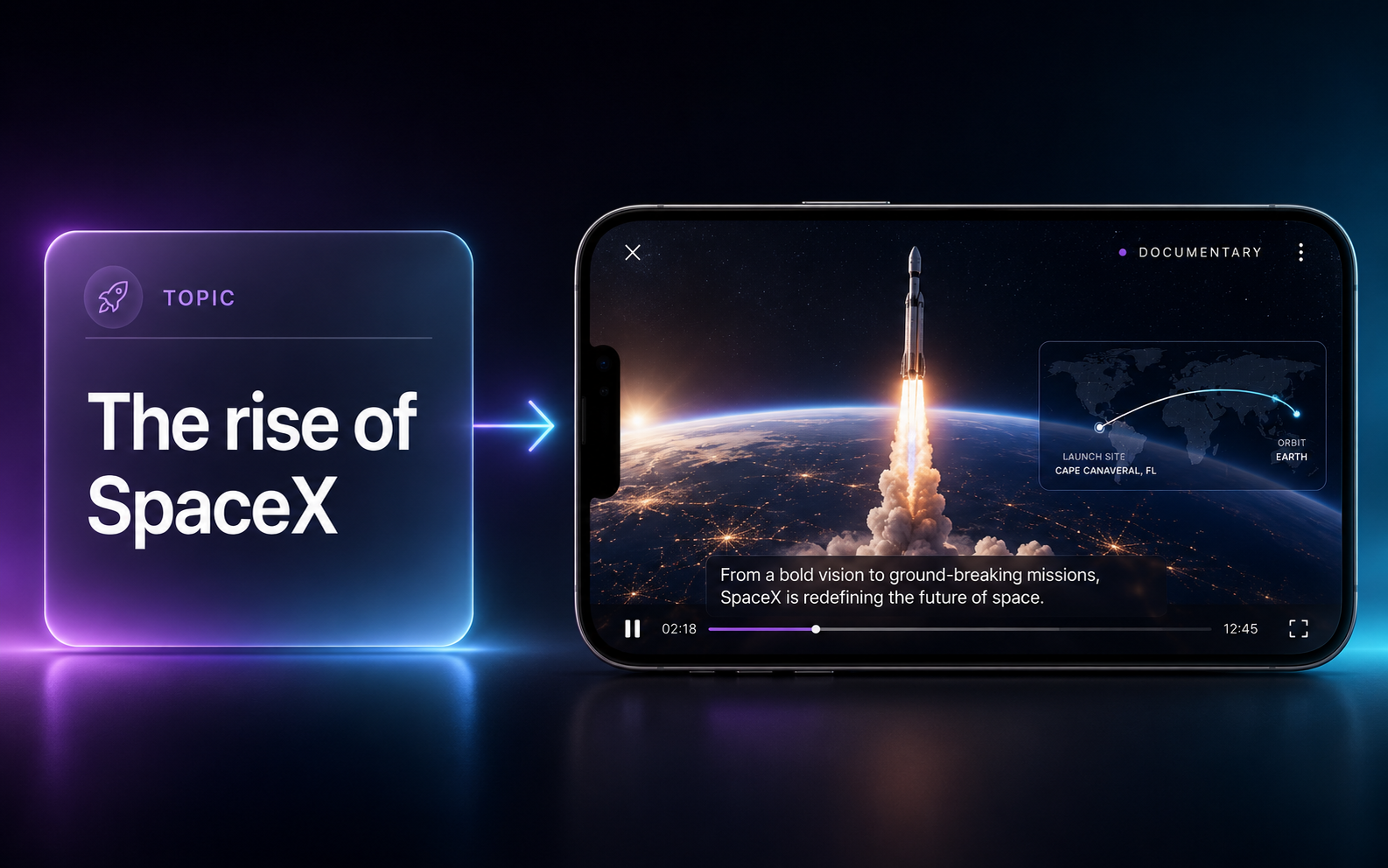
Editor-level documentaries, on autopilot
Give it a topic or a script and StoryMorph directs the whole thing — real imagery, narration, animated maps and kinetic captions — then hands you a finished documentary. The kind of video that takes an editor a week.
- Real imagery + stock footage, auto-sourced
- AI narration with word-synced kinetic captions
- Animated, geographically-accurate maps
- Story-directed, scene by scene
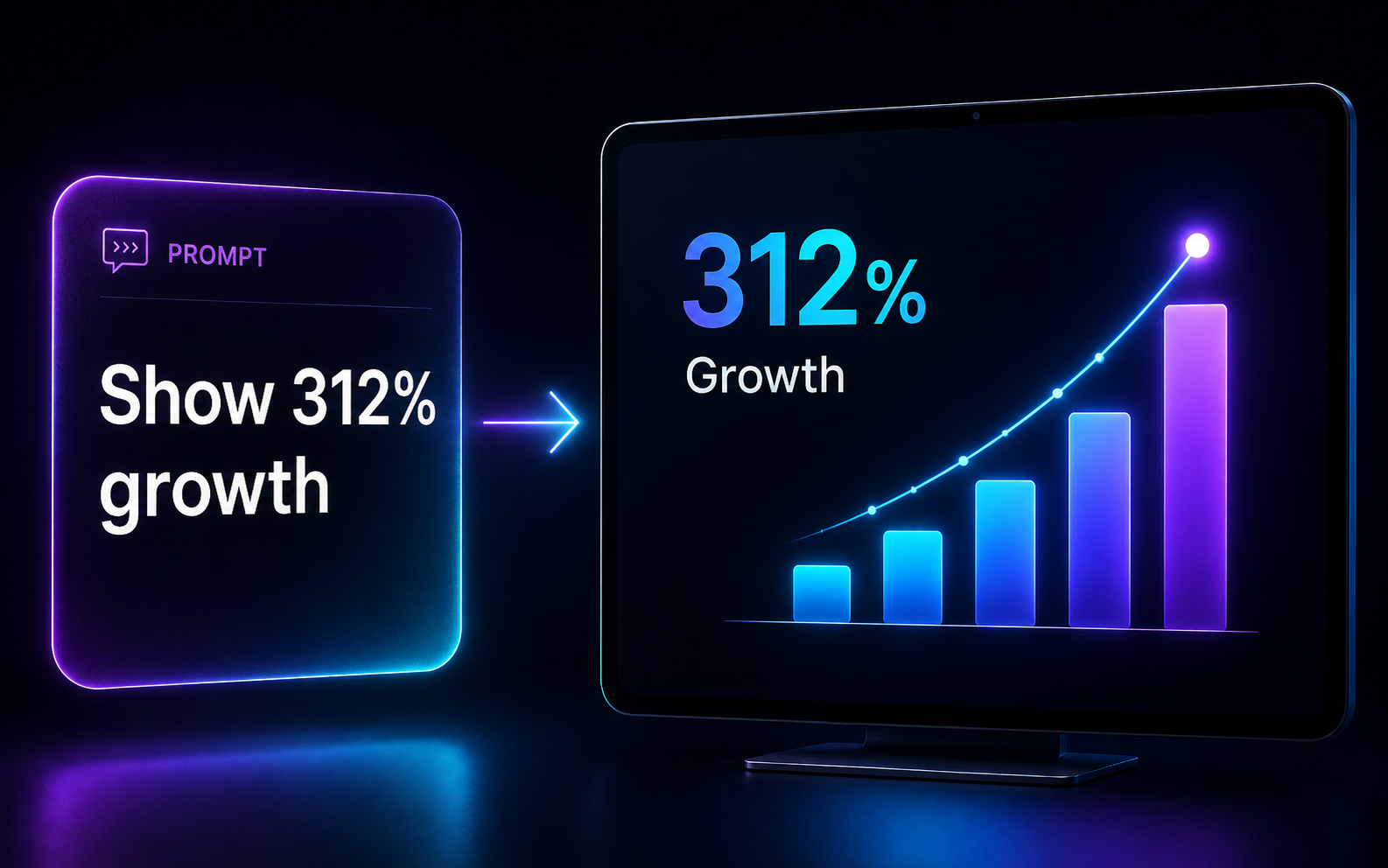
Turn data and ideas into motion
Type what you want to show — a stat, a chart, a process, a route — and get a clean animated motion graphic. Charts, kinetic titles, lower-thirds, maps and logo animations. No After Effects, no timeline.
- Animated charts, stats & kinetic type
- Lower-thirds, callouts & annotations
- Maps, routes & logo animations
- Prompt in, polished mograph out
Formats that go viral.
The most-loved ways creators grow on StoryMorph.
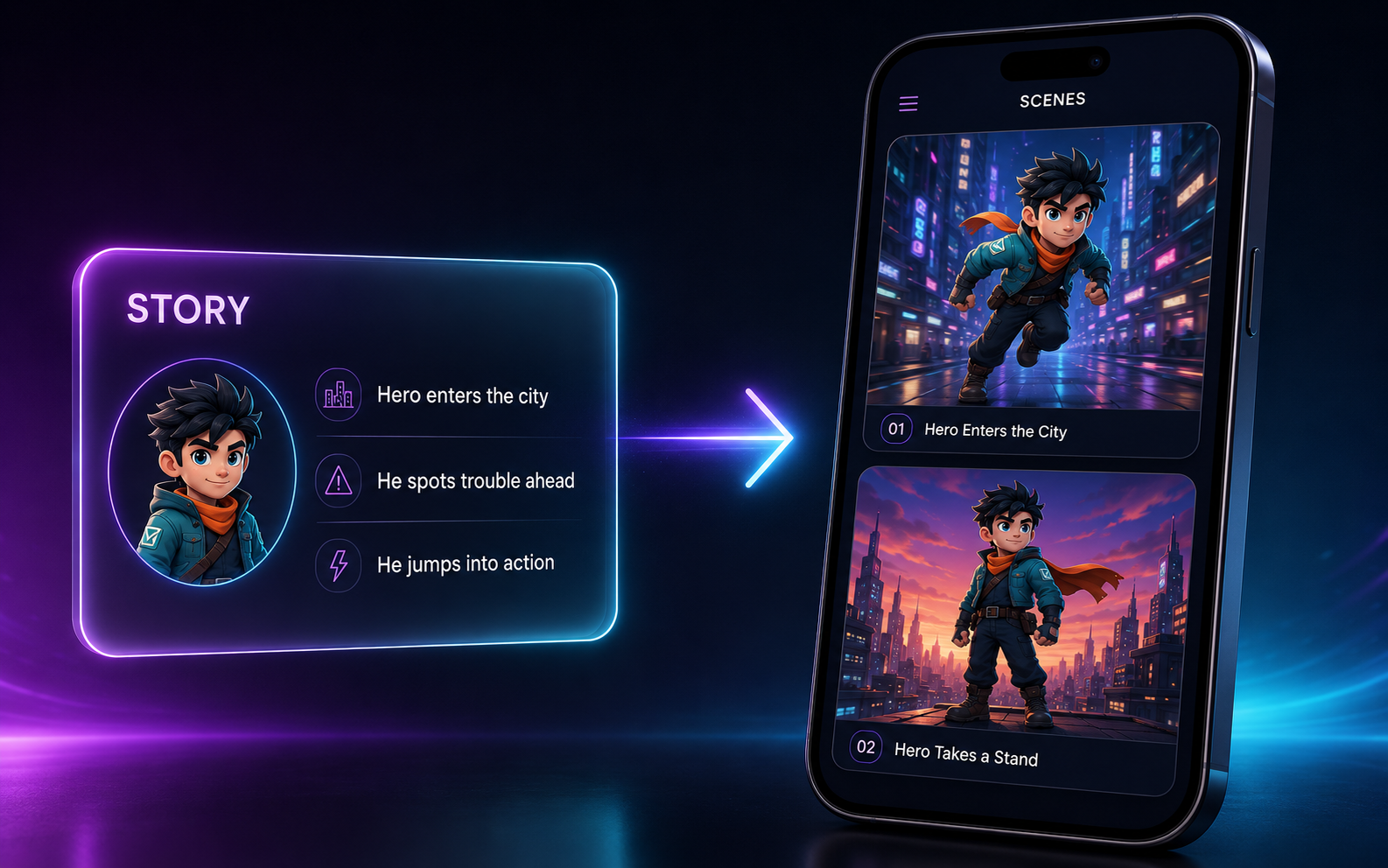
Character Story
Turn any story into a video where your characters look the same in every scene — same face, same outfit, shot after shot. Pick cinematic or animated and let the AI director handle the rest.
Try it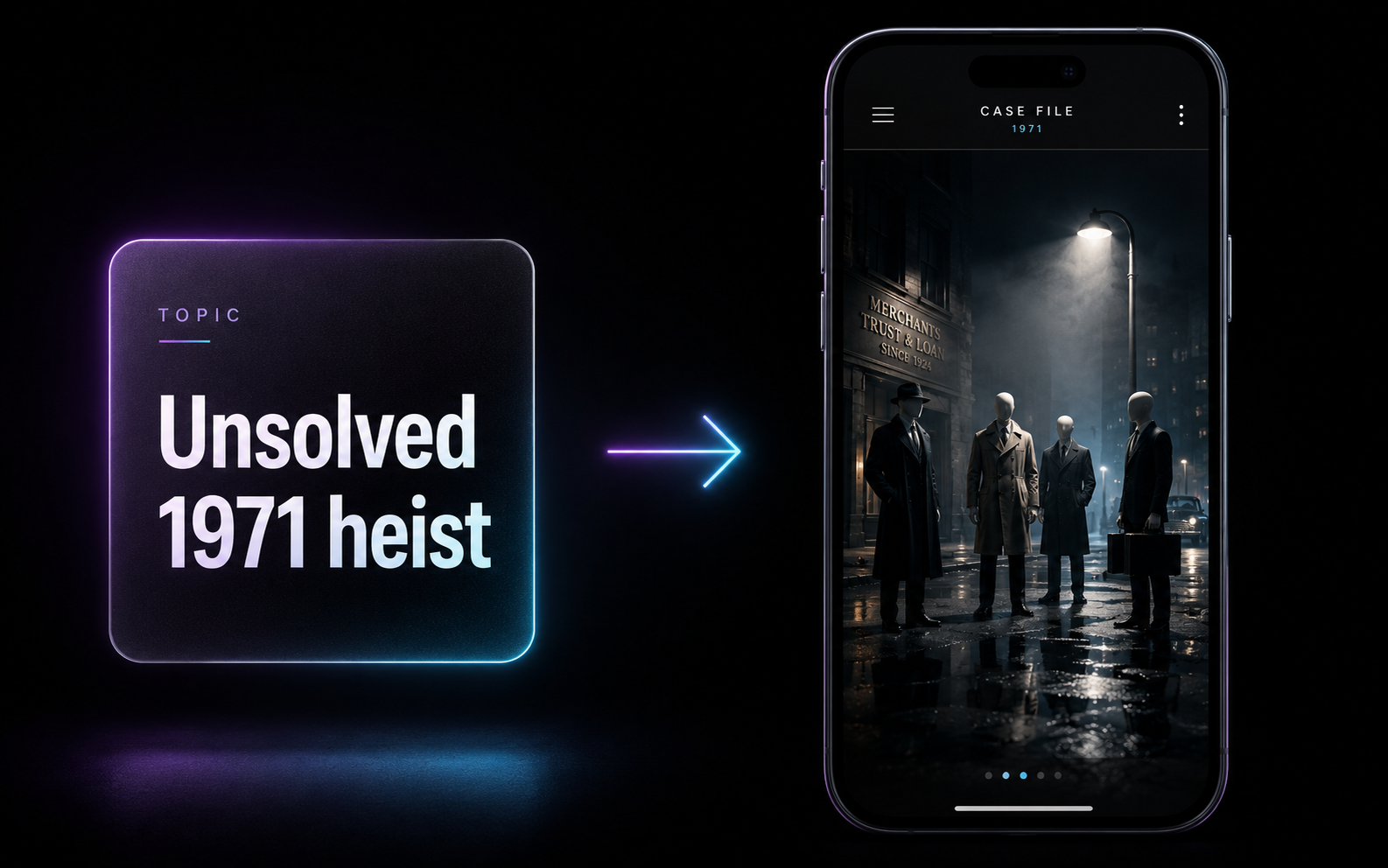
Cinematic Documentary
Photoreal, 3D-rendered documentaries with faceless figures standing in for real people. Purpose-built for true crime, unsolved mysteries and history — moody, cinematic, impossible to scroll past.
Try it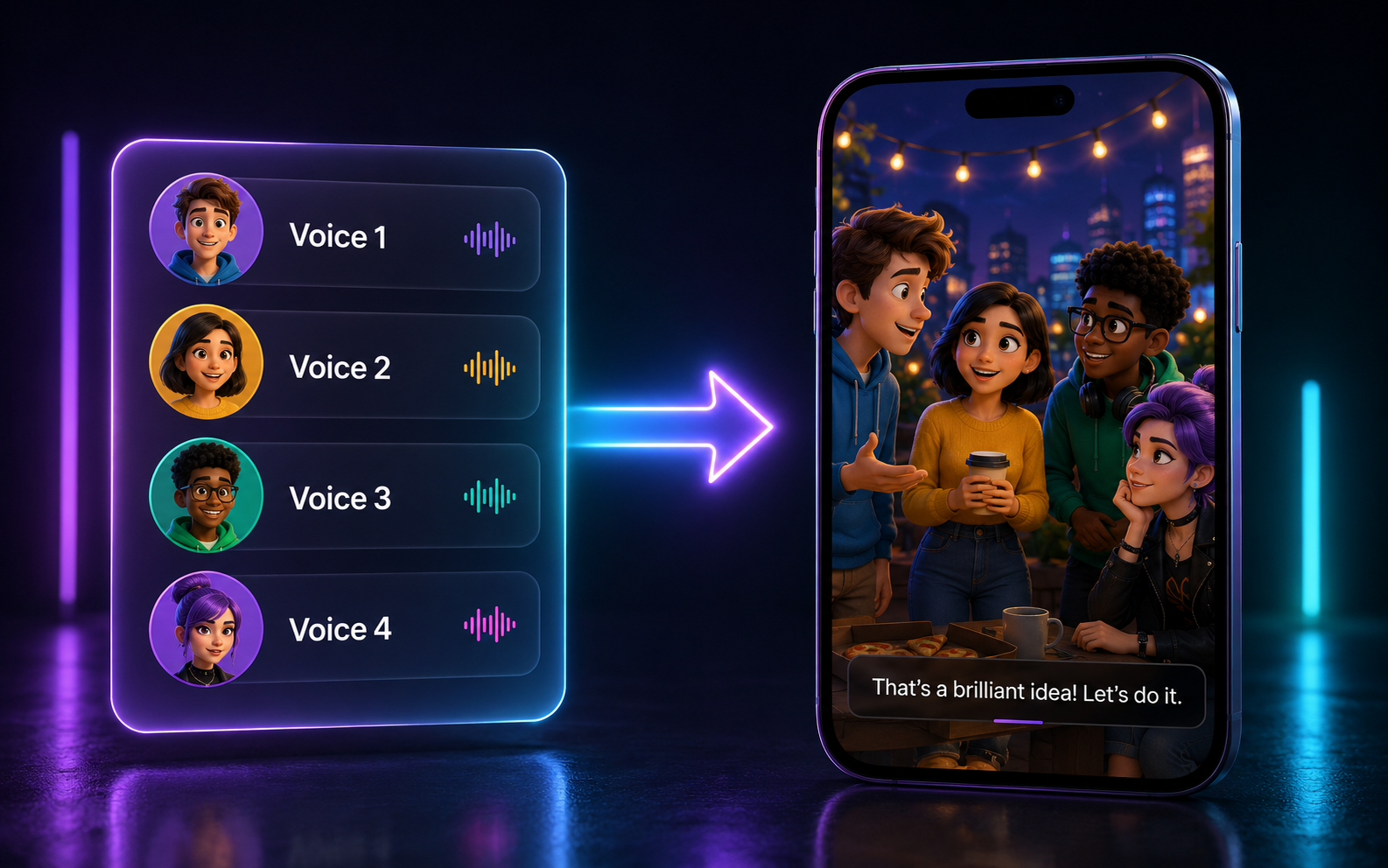
Multi-Voice Scenes
Stage a full multi-character video with up to 4 distinct AI voices, each on its own scene. Drop in avatars, products or your own assets and every line syncs automatically.
Try it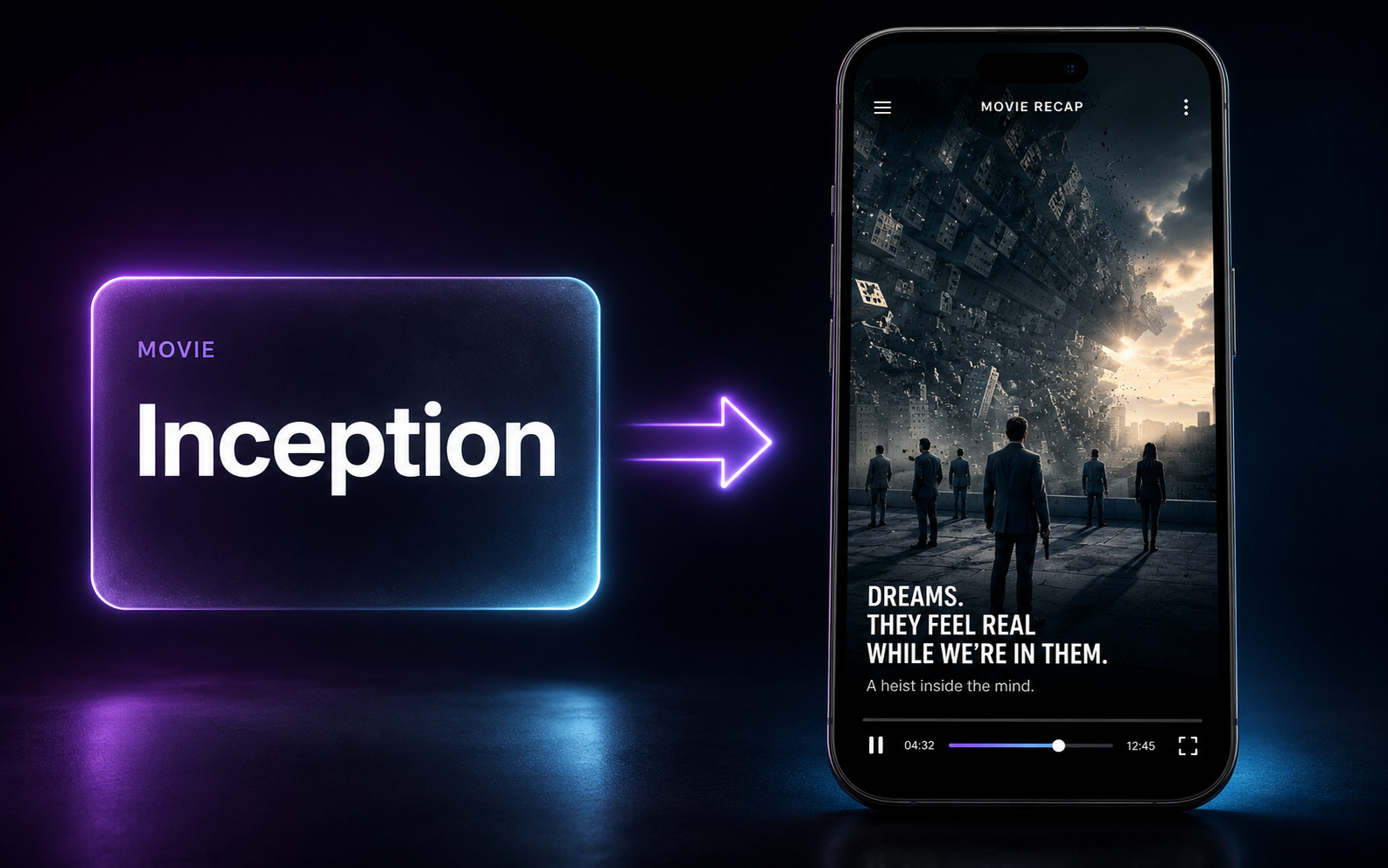
Movie Recap
Type a movie title and get a complete recap — the AI watches, writes the narration and cuts it together. The highest-retention format on YouTube, made in one step.
Try it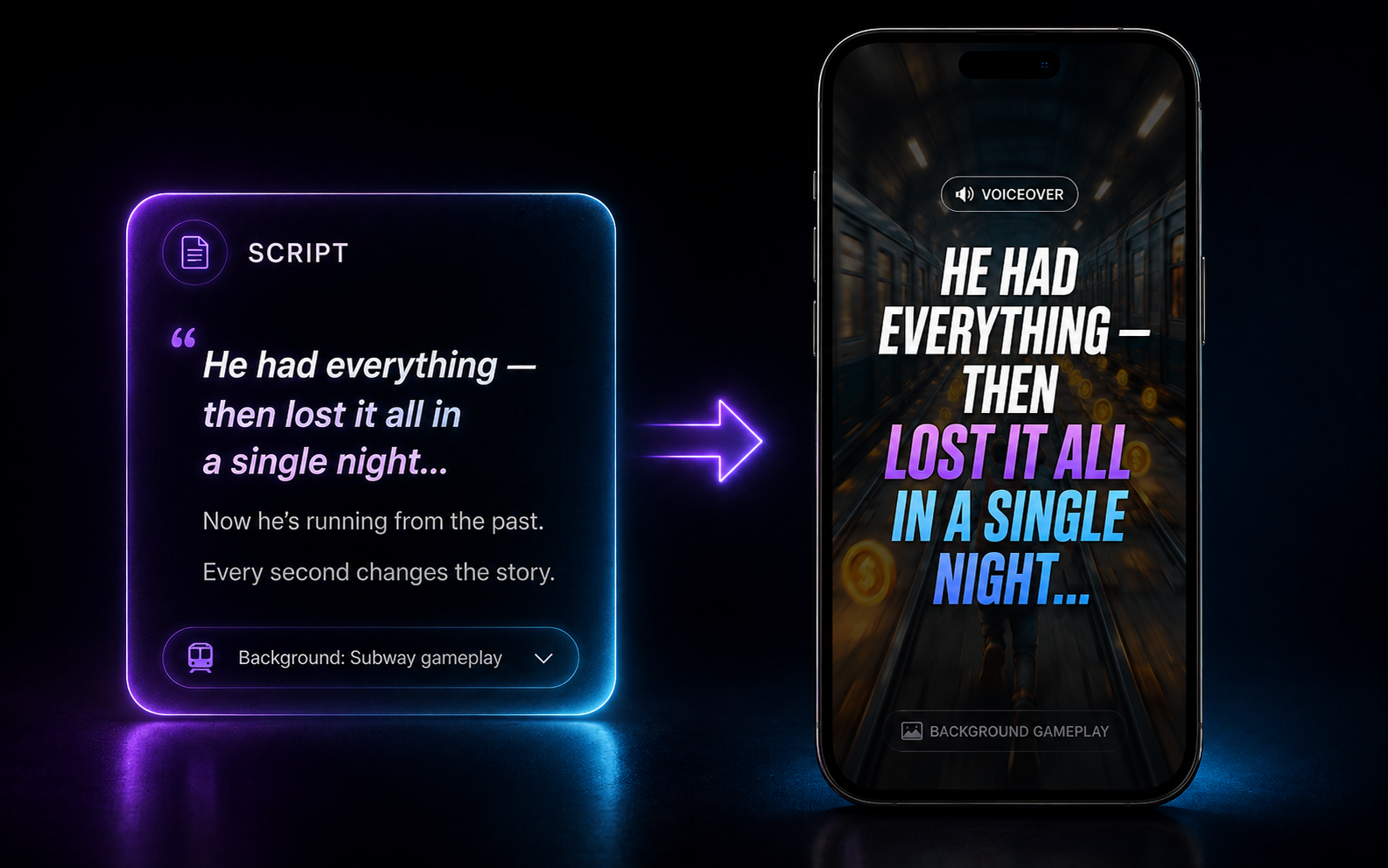
Gameplay Voiceover
The faceless format that built a thousand channels: your script as an AI voiceover over Minecraft, Subway Surfers or GTA, with bold auto-captions. No camera, no editing.
Try it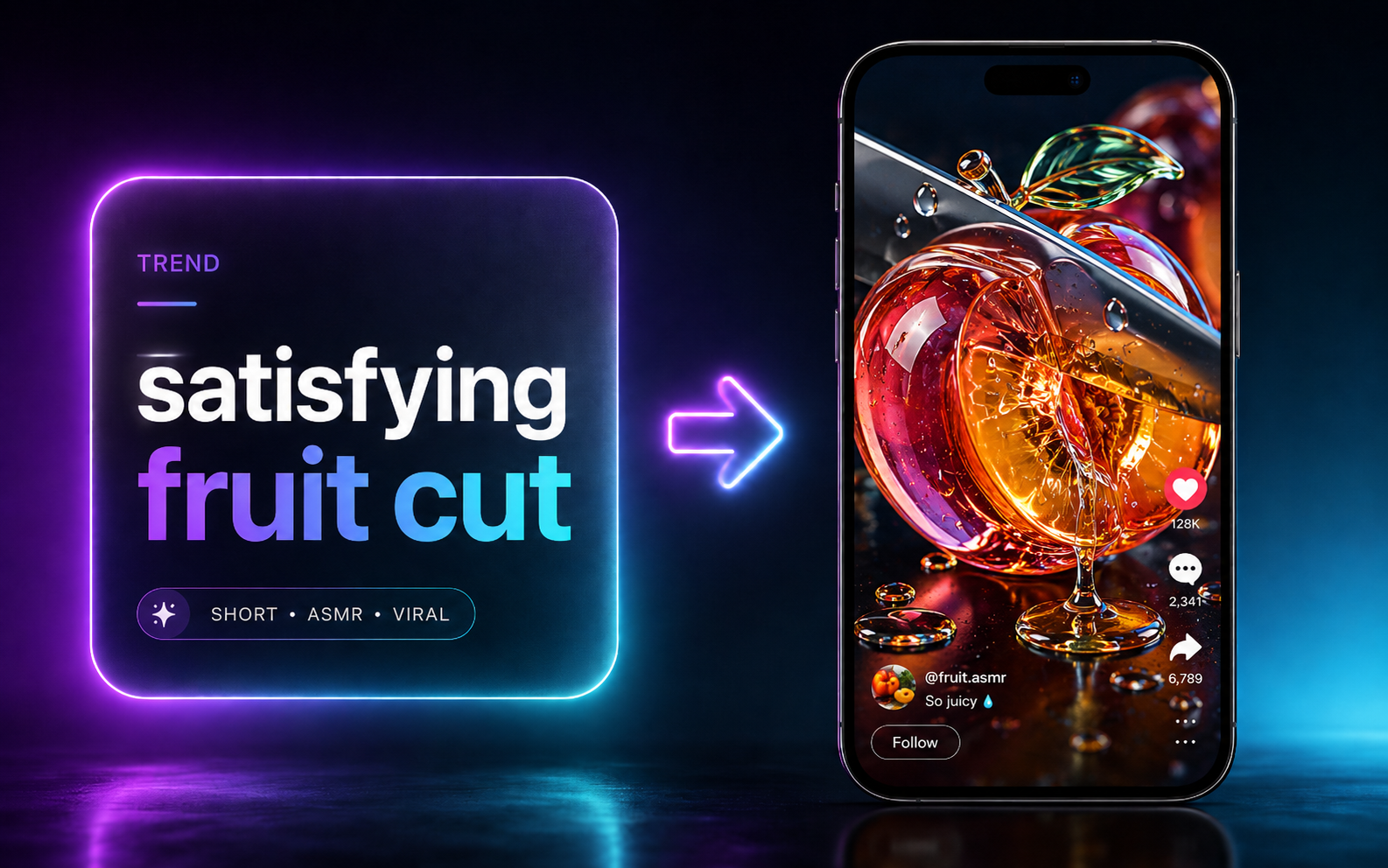
Viral Templates
Jump on a trend the day it breaks. 1-click formats for ASMR, vlogs and more — add your idea and post while the trend is still hot.
Try itAnd many more formats.
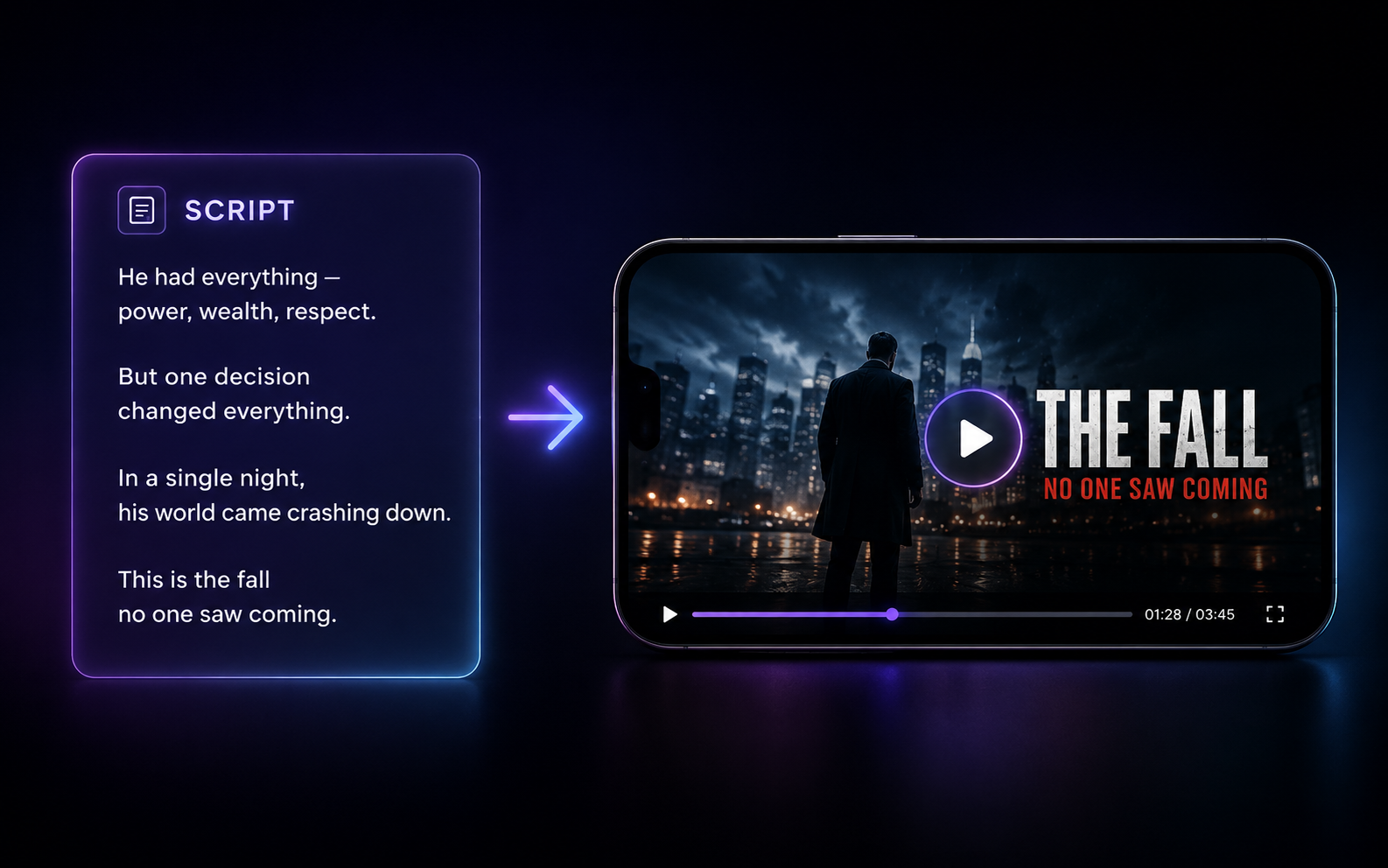
Script to AI Video
Paste any script and turn it into a finished AI video — the core engine behind most formats. Pick a visual style and go.
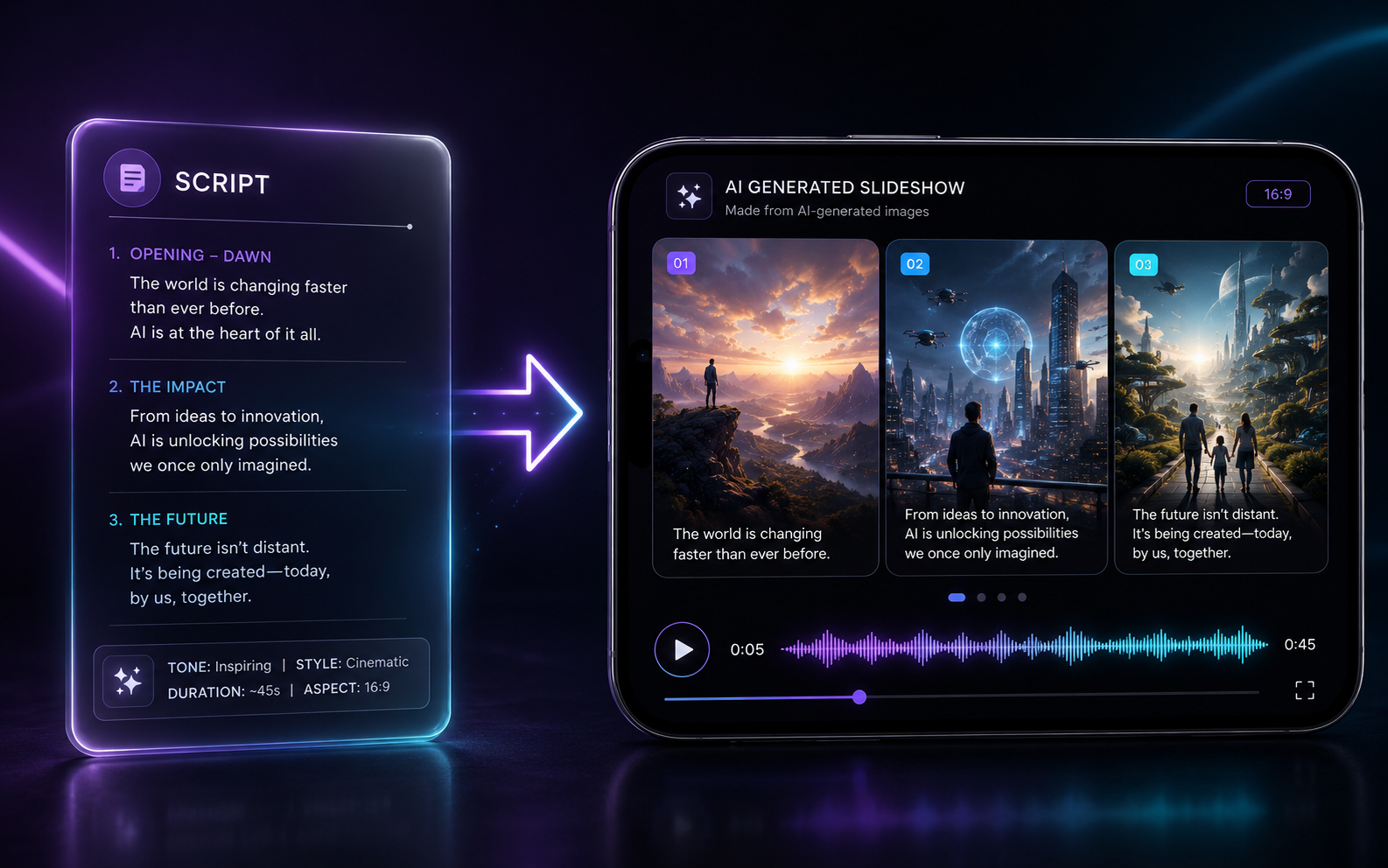
AI Image Video
Your script becomes a narrated slideshow of AI-generated images.
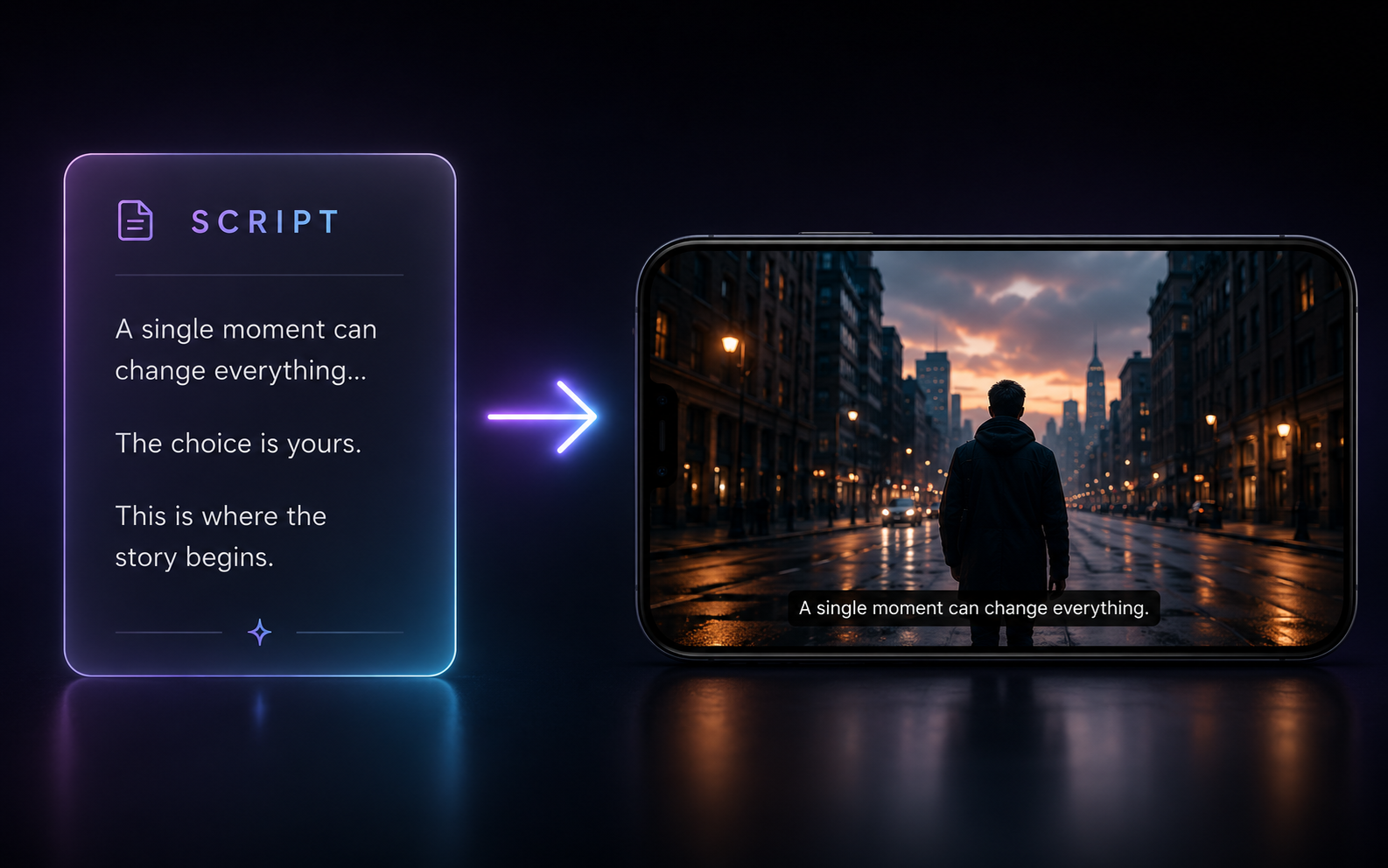
AI Video (HD)
Your script becomes real AI-generated video, up to 1080p.
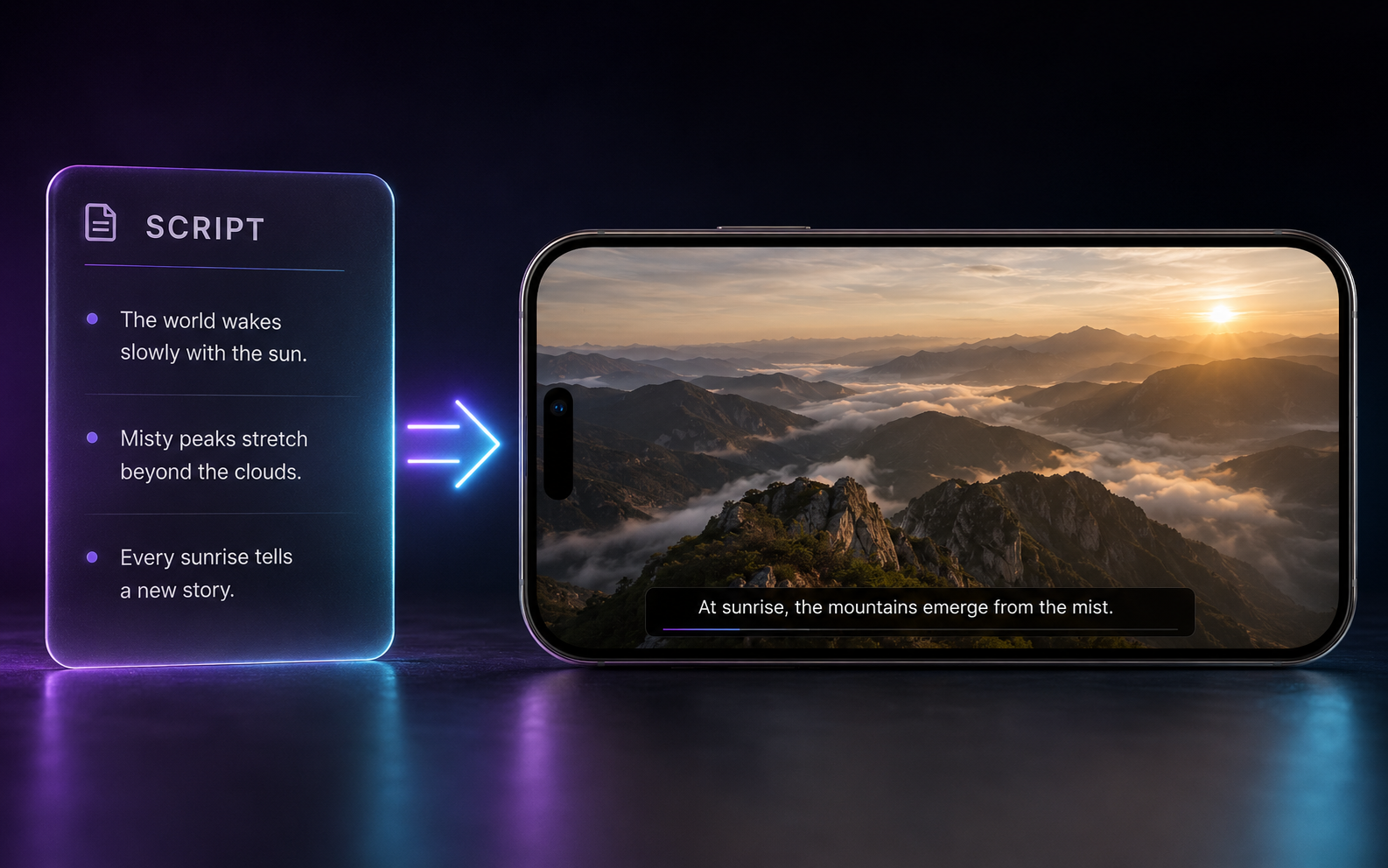
Stock Footage
Your script matched to professional stock footage, with narration + subtitles.
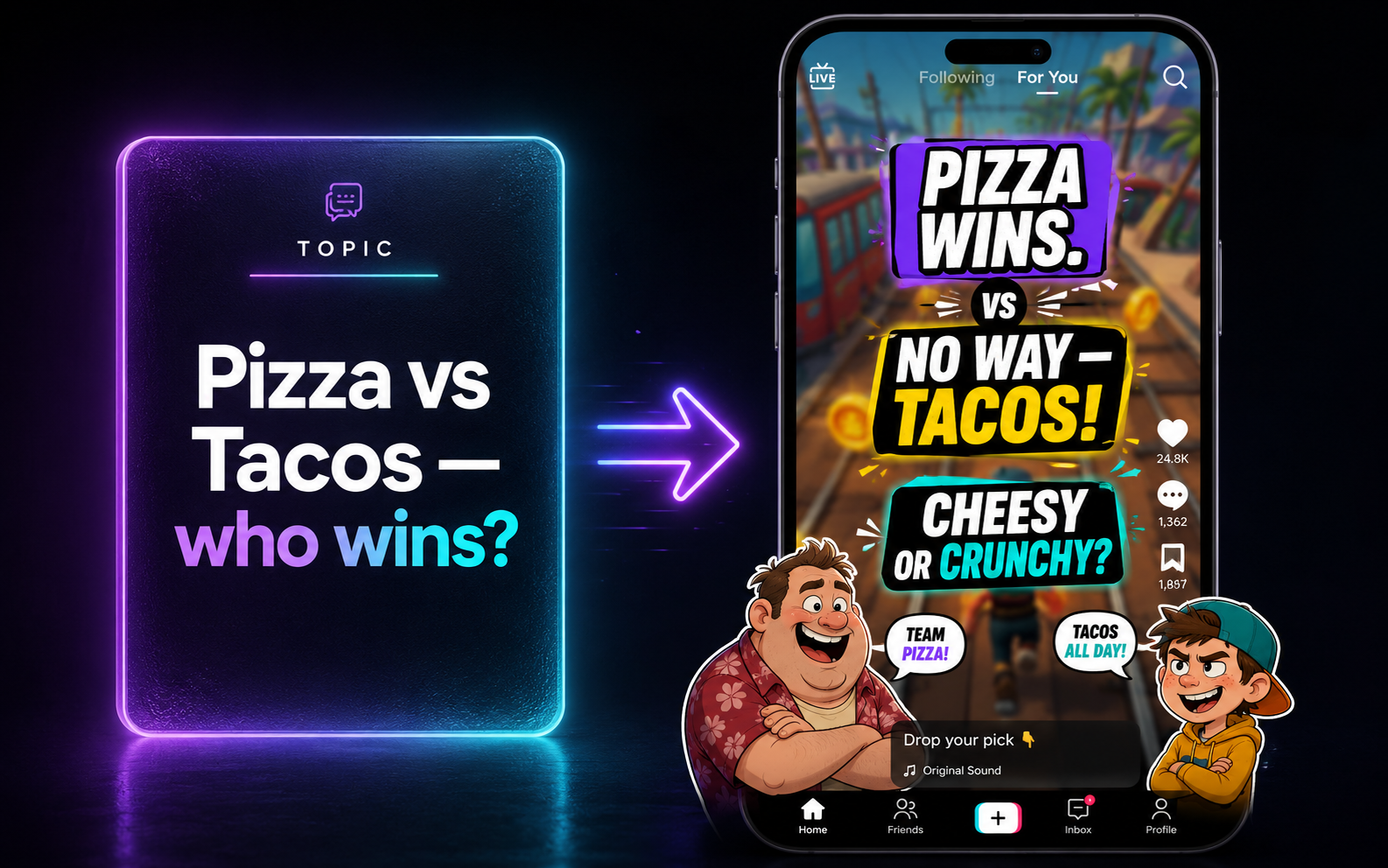
Character Chat
Famous characters chat or debate over gameplay — instant viral bait.
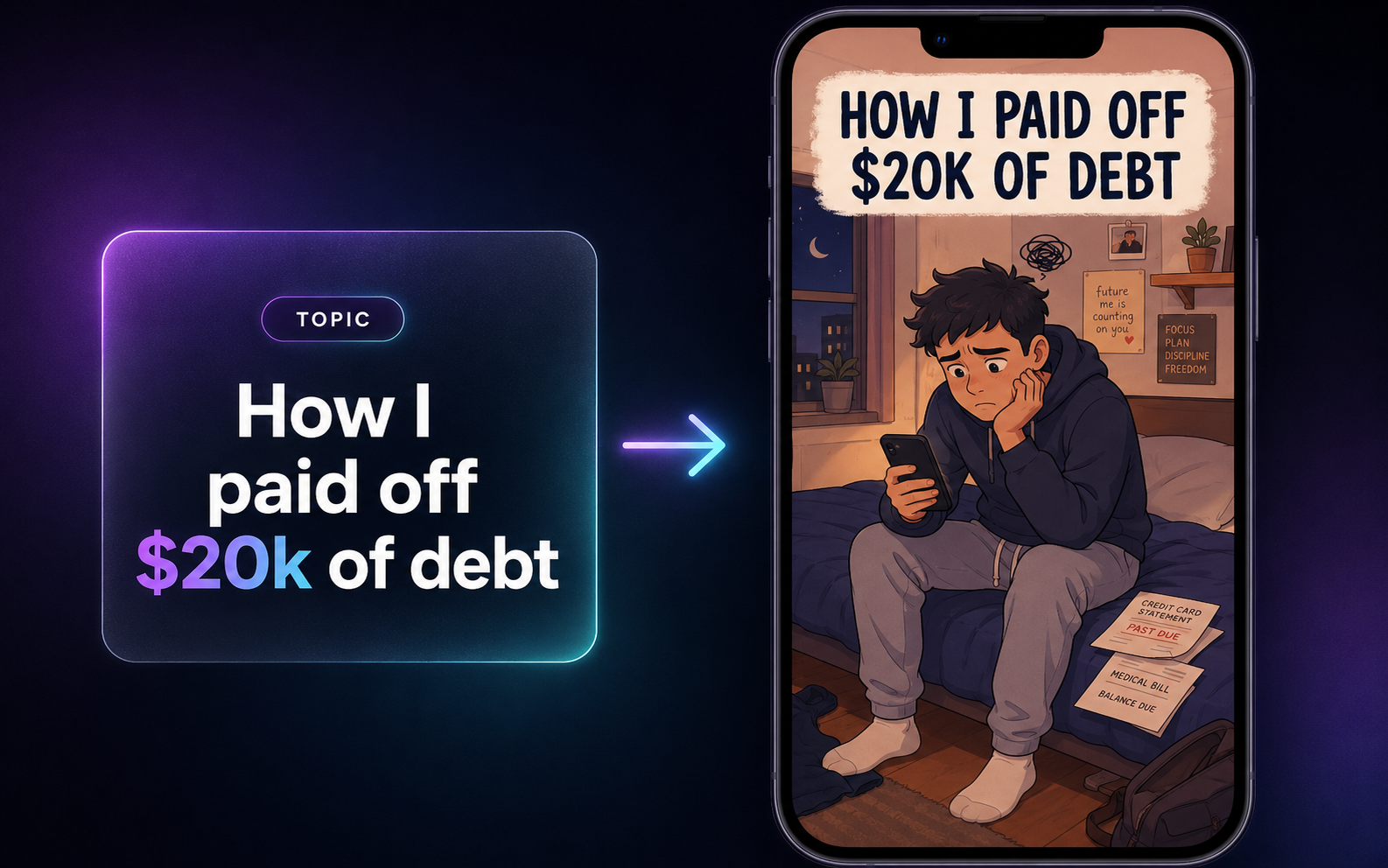
Finance Explainer
Friendly 2D-illustrated explainers for money, business and how-it-works content.
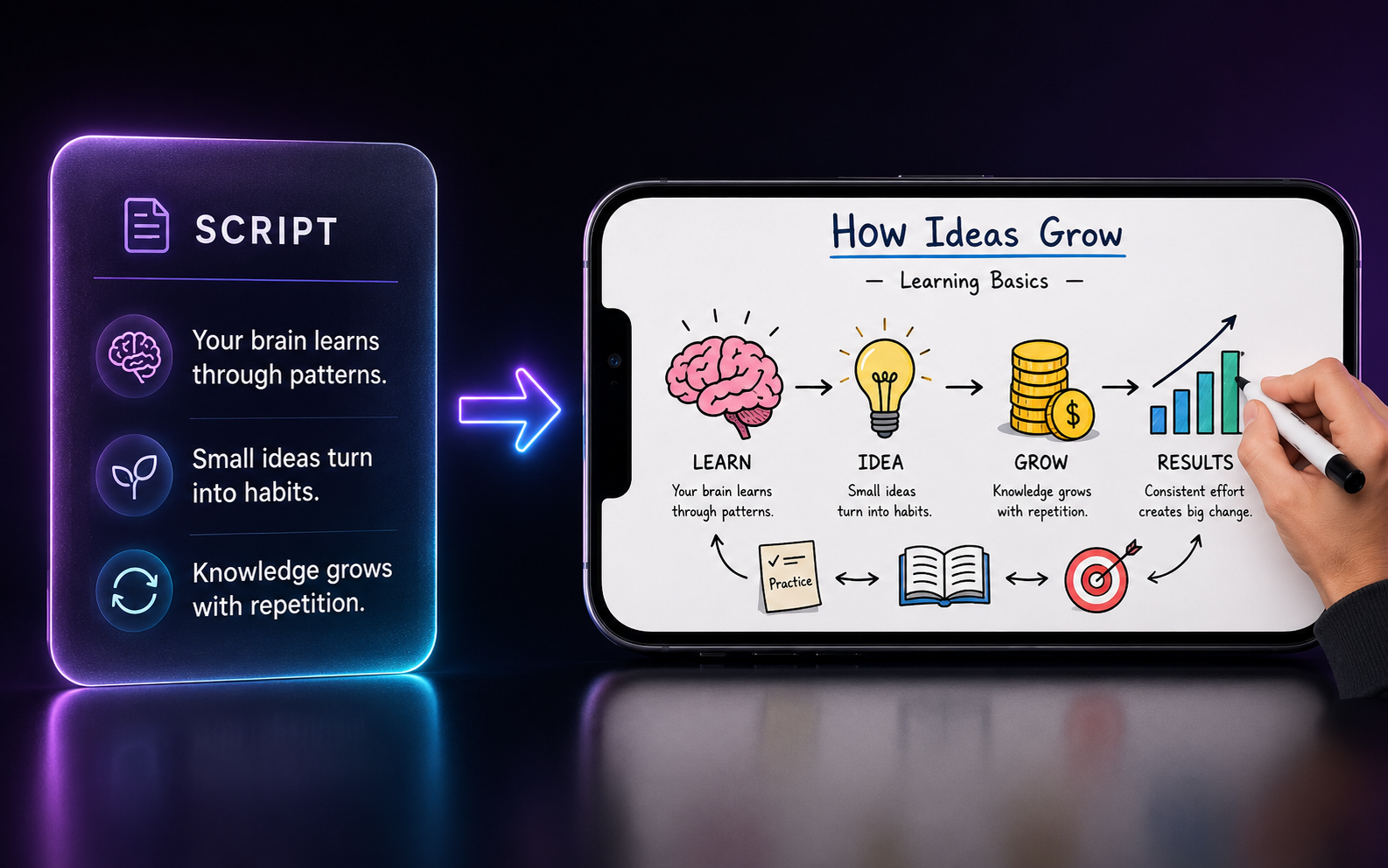
Doodle Explainer
Hand-drawn whiteboard explainers from any informative script.
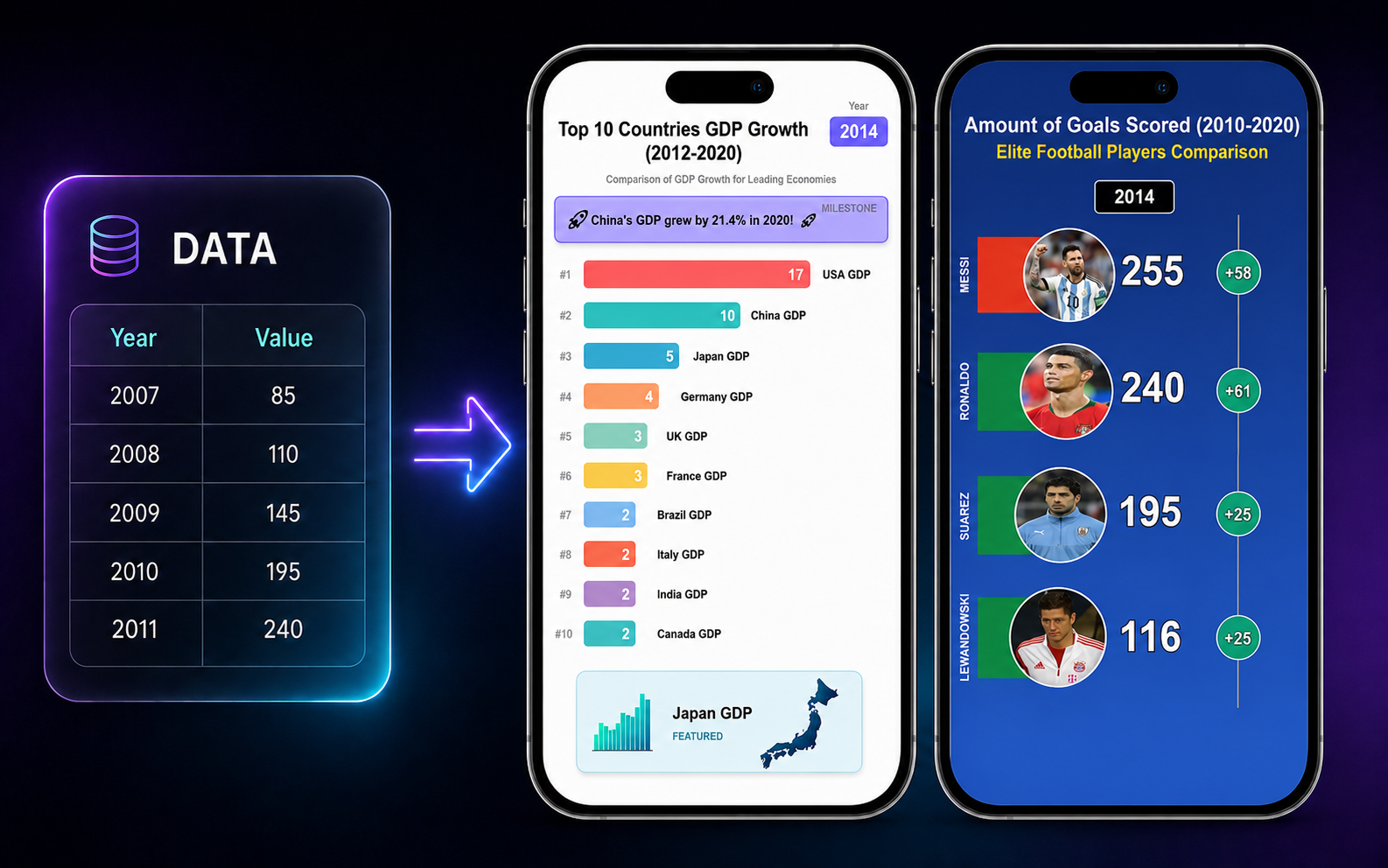
Racing Charts
Animated racing bar charts from your data, plus head-to-head VS.
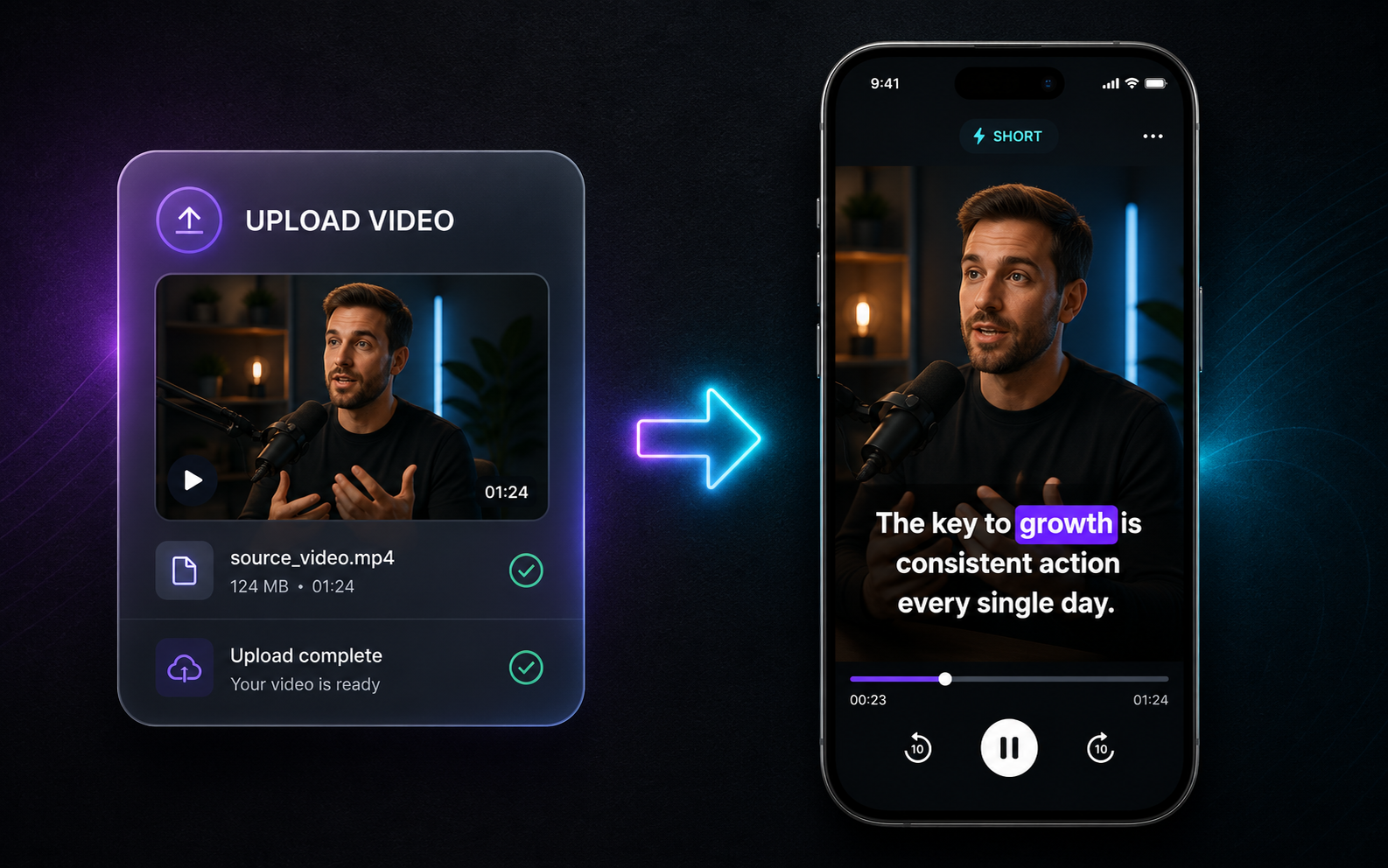
Auto Subtitles
Upload any video and burn in accurate, styled captions automatically.
The finishing touches.
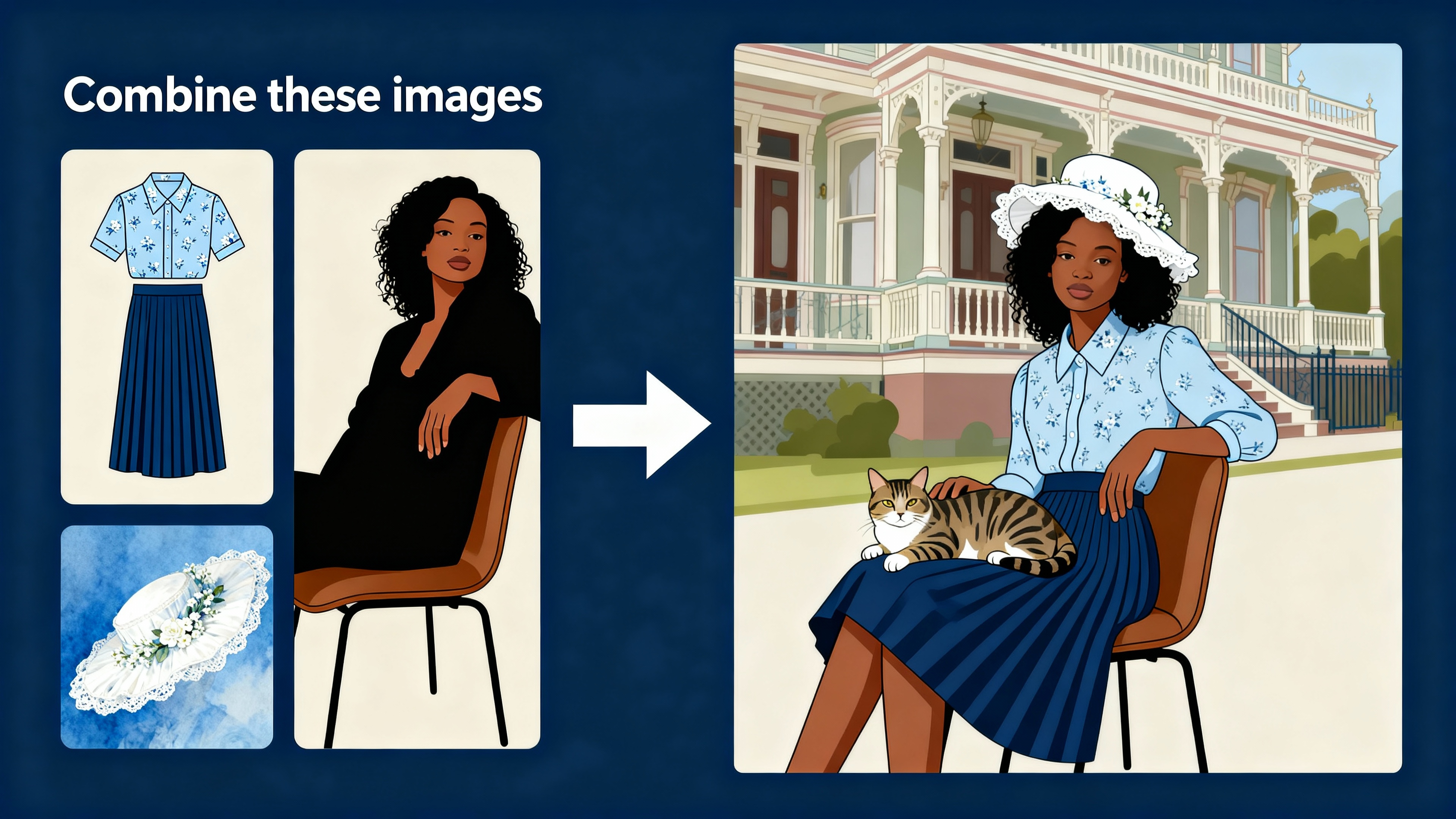
AI Images
Generate, edit and merge images from a prompt — 10+ presets and templates.
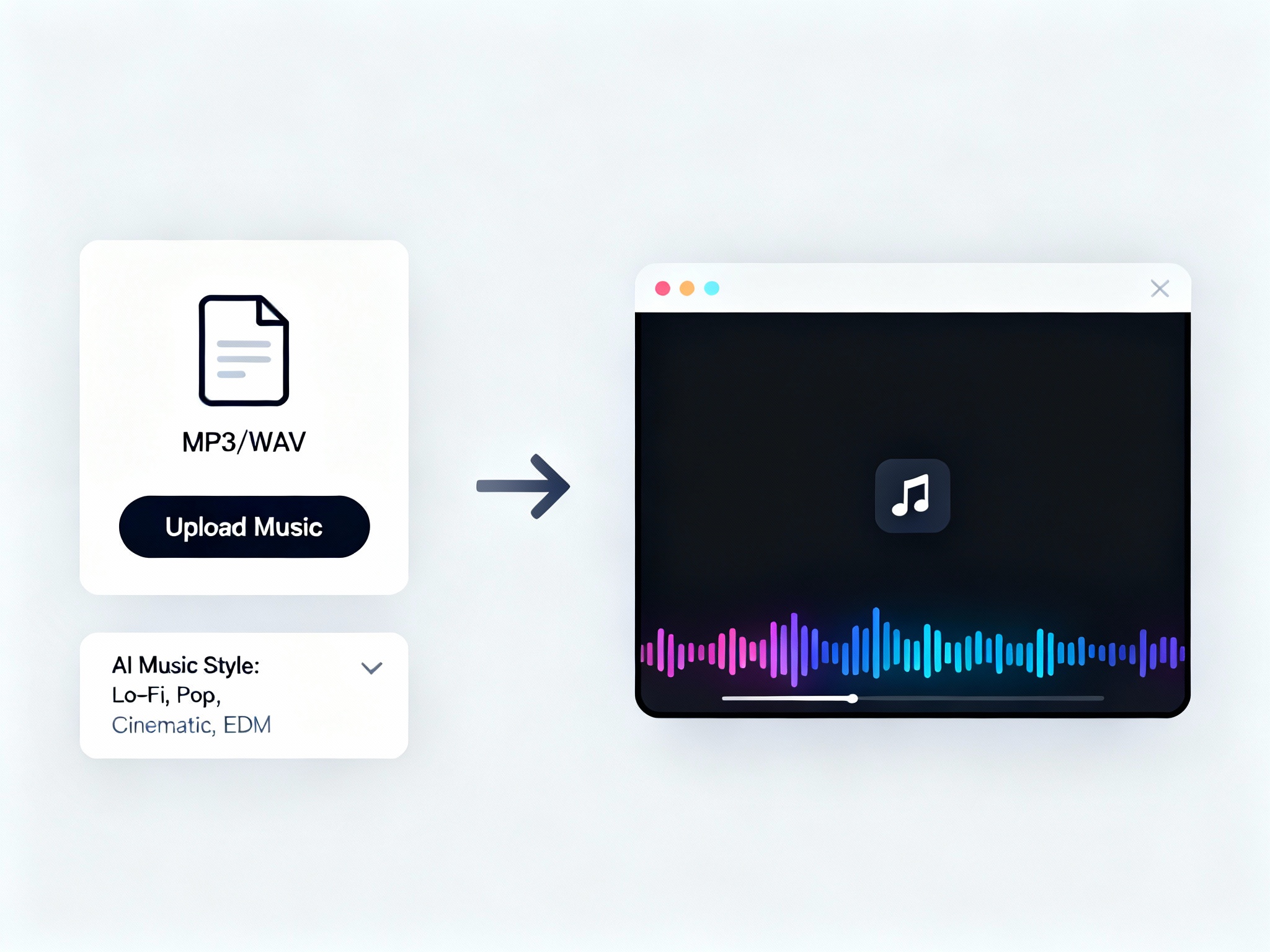
Background Music
Upload your own or generate AI music that syncs perfectly to your video.
AI Voiceovers
Natural male, female and neutral voices, used across every format.
Every Aspect Ratio
9:16, 16:9 and 1:1 — ready for TikTok, Shorts, Reels and YouTube.
Real videos, really made here.
Hover any clip to play. Every one was generated in StoryMorph.
Gameplay Voiceover
Stock Footage
Viral Templates
AI Image Video
AI Video (HD)
Multi-Voice Scenes
Racing Charts
Auto Subtitles
Documentary
Motion Graphics
Movie Recap
Character Chat
Character Story
Cinematic Documentary
Finance Explainer
Doodle Explainer
Frequently asked questions.
Everything you need to know about our features.
How does the AI content generation work?+
What types of videos can I create?+
How many voices can I use in a single video?+
Do you support custom music and backgrounds?+
How does the credit system work?+
See it for yourself.
Start free. Make your first video in minutes. No credit card needed.